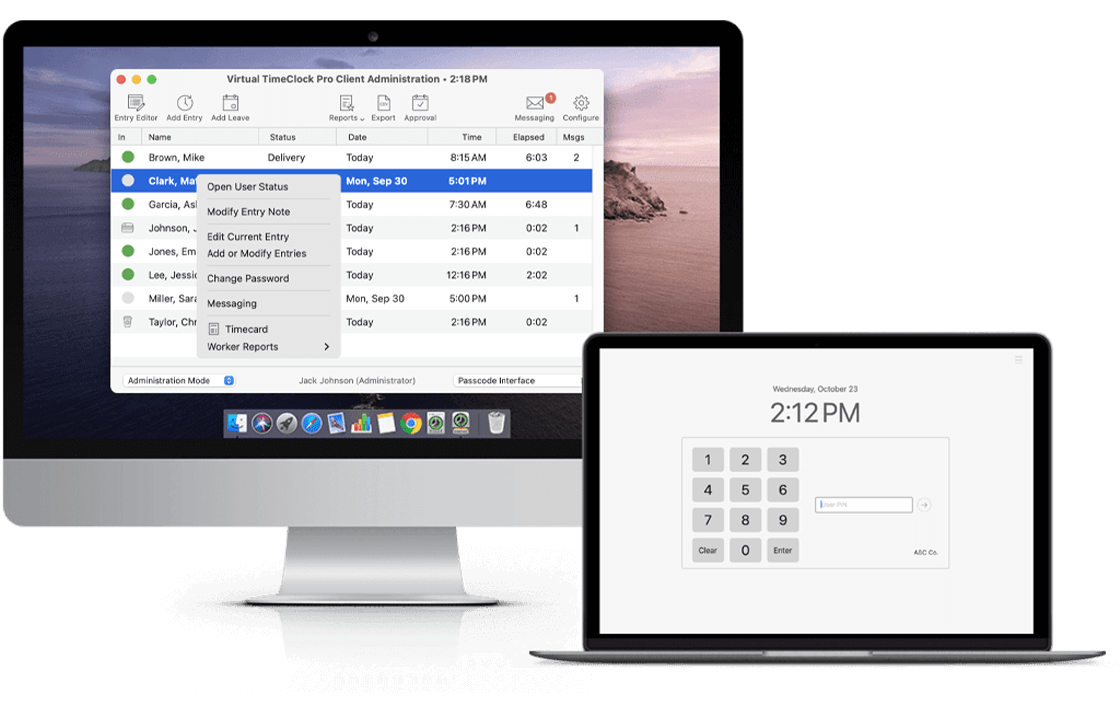
Download the fully functional employee time clock software for Mac and Windows. Join over 20,000 businesses that have trusted our time tracking solutions for more than 30 years.
Experience our simple time clock software for teams of 3 or fewer. See how easy it is to track employee arrivals and departures on a single computer with zero complexity.
Download Mac
Also Available for Windows
Our Most Popular Trial. The best way for most businesses to easily evaluate our full suite of features—including reporting, overtime controls, rest periods, payroll integration and leave tracking—right from your computer.
Download Mac
Also Available for Windows
Setup and evaluate our multi-computer time clock solution on your local network before you purchase.
Our friendly, California-based support team is ready to answer your questions and help you get your free trial up and running in just a few minutes.
Virtual TimeClock turns your Mac and Windows computers into a simple, reliable employee time tracking system. Discover why businesses choose it for one-time purchase pricing and no monthly fees.
Learn More About Virtual TimeClock chevron_rightFind the right Virtual TimeClock edition for your particular business size, workflow, and number of users.
Compare Editions chevron_rightSee how Virtual TimeClock helps businesses manage employee time, overtime, leave, and approvals.
Explore Features chevron_rightConnect employee hours to your payroll with integrations that simplify the path from timecard to paycheck.
Payroll Integrations chevron_rightBusinesses like yours share why they rely on Virtual TimeClock.
“I love this product! I love that it is easy to use, easy to show our students how to use and the reporting features are easy to access. There is nothing that I don't like about this product.”
Karen M.
Higher Education, 51-200 employees
Frequently asked questions about purchasing Virtual TimeClock:
The free trial is the full-featured version of Virtual TimeClock you install on your computer. No credit card, no obligation, and no time limit. The only limitation is the number of new entries during the trial.
There is no time limit to the free trial. The Pro and Network edition include 300 time entries for evaluation. The Basic edition includes 100 punches.
Yes! Our U.S.-based support team is available to help with setup, configuration, and training during your free trail evaluation.
Most customers are up and running in a few minutes. The Pro Edition is designed for the easiest setup.
Yes. You can change editions during your free trial. However, the number of entries allowed for the trial is not reset if you switch to another edition.
No. Your data stays exactly as-is. Purchasing a license simply unlocks the software for you to use permanently and without restriction.
You can purchase a license key at any time to continue running the software after using all of the allowed evaluation entries. The program reminds you with increasing frequency when you are approaching the entry limit.