Virtual TimeClock 25 Release 1.1
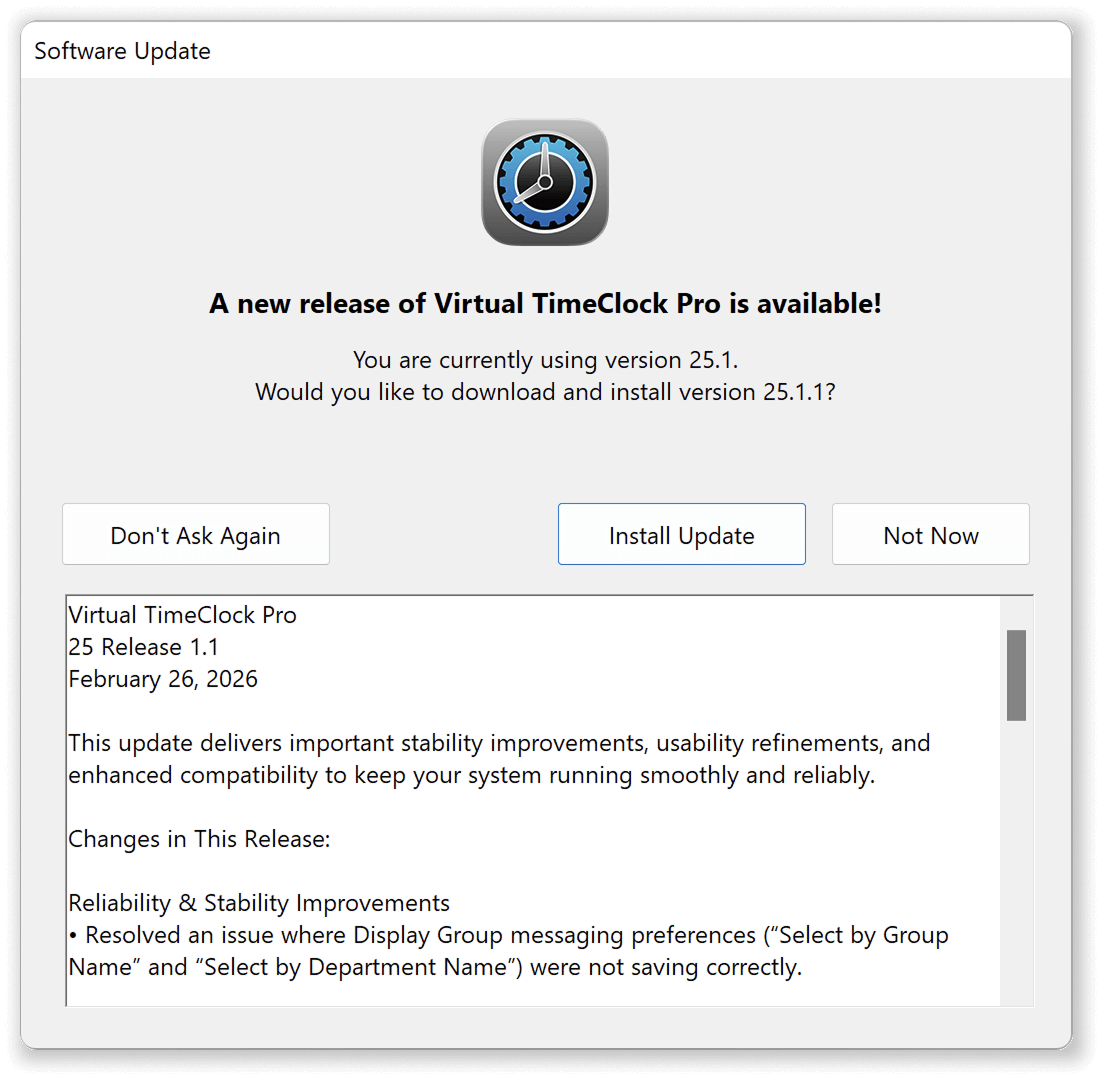
Virtual TimeClock 25.1.1 is now available!
We're pleased to announce that Virtual TimeClock 25 release 1.1 is now available for all editions on Mac and Windows. This important update brings a round of fixes and refinements based on your feedback to keep your employee time clock running smoothly.
What’s New?
This update includes over a dozen minor fixes and program improvements that enhance the overall user experience. Changes include:
-
Messaging Features Update
You'll find several minor fixes and a few enhancements to the new Messaging features introduced last November in version 25.
-
Error Handling Refinements
Improved how the time clock manages and reports hardware and time clock software configuration errors.
-
User Interface Improvements
Resolved a number of user interface text display irregularities when Virtual TimeClock is run in Windows 11 and macOS 26 Tahoe.
View a complete list of all features and fixes included in this release in our Virtual TimeClock 25.1.1 release notes.
Updating Your Time Clock Software
Virtual TimeClock makes updates simple with the 'Check for Updates' feature. If you’re eligible for a free upgrade, it will guide you to downloading and installing the latest Virtual TimeClock 25.1.1 release. On Windows PCs and tablets, you'll find 'Check for Updates' under the Help Menu; on macOS, use the Virtual TimeClock Menu.
If you’re running an older version of Virtual TimeClock, visit our What’s New in Virtual TimeClock page to see all changes from previous releases. For step-by-step instructions on upgrading, check out our Upgrade Guide for help with a smooth update.
Have Questions or Need Help?
Reach out to our U.S, based team — we’re happy to answer your questions or help in any way we can.