How to Upgrade Virtual TimeClock
This article will help you understand how to upgrade your Virtual TimeClock software. Customers using Version 22 or newer can use automatic updates to upgrade their time clock software. Customers with older versions will need to follow the directions at the bottom of this article to manually upgrade their software.
Note: A software update is an incremental maintenance release within the same version (e.g. 19.1 to 19.2). An upgrade is a major release that changes the version number (e.g. 19 to 22).
Automatic Software Updates & Upgrades
Choose your edition below and follow the steps for upgrading to the latest release.
Basic and Pro Editions
1. Select Turn Administration On from the File menu.
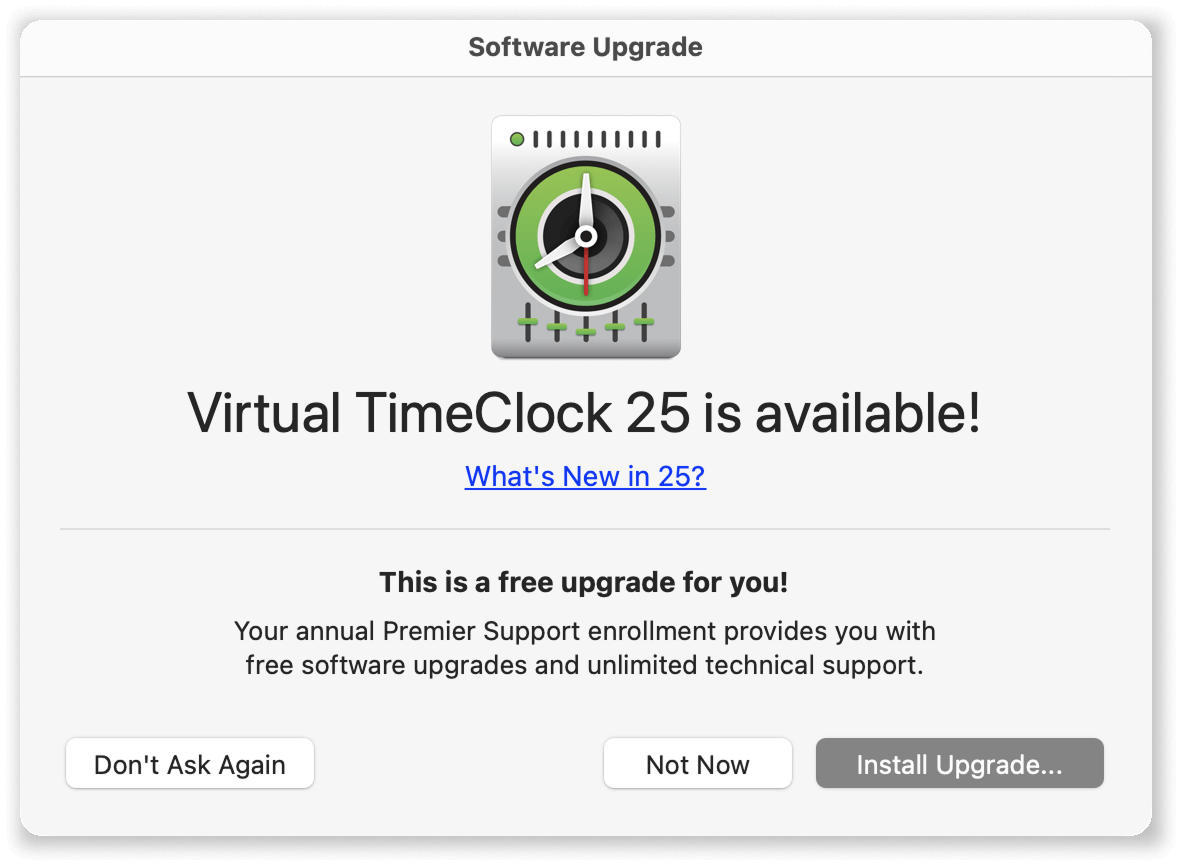
2. Check for existing updates and upgrades.
• Mac: Select Check for Updates from the Virtual TimeClock program menu
• Windows: Select Check for Updates from the Help menu
Network Edition
The Network Edition of Virtual TimeClock is upgraded in two steps: upgrade the TimeClock Server software, and then the clients will be prompted to upgrade when they next connect to the TimeClock Server.
1. Upgrade the TimeClock Server
A. Launch the Server Manager program
B. Check for software updates:
• Mac: Select Check for Updates from the Virtual TimeClock program menu
• Windows: Select Check for Updates from the Help menu
2. Upgrade the TimeClock Clients
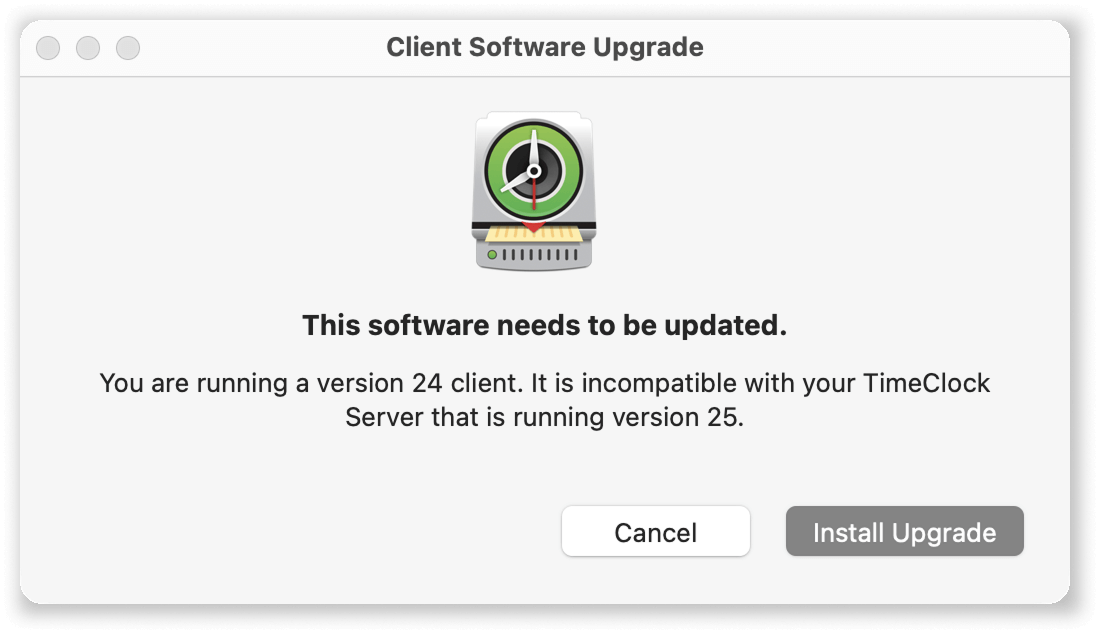
After upgrading your TimeClock Server, you will automatically be prompted to update each client when they reconnect to the server:
Manually Upgrading Older Versions
Older, no longer supported versions of Virtual TimeClock can be easily upgraded manually. See the Manually Upgrading Virtual TimeClock article for step-by-step instructions for your particular edition and version of Virtual TimeClock.
Have Questions or Need Assistance?
Do you need help with your virtual TimeClock upgrade? Contact us, we're here to help!