Draft Messages in Virtual TimeClock 25
This post is part of a series about new features in Virtual TimeClock 25.
 Save Your Unfinished Messages
Work interruptions happen. Whether you're responding to a question, drafting a schedule update, or preparing an important announcement, sometimes you’re not ready to hit send. Virtual TimeClock 25 allows you to save unfinished messages as drafts.
Effortlessly Save Draft Messages
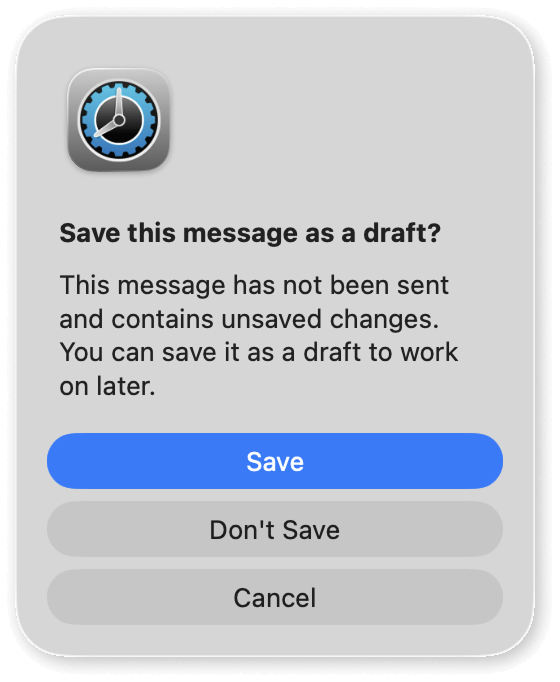
When you exit a message before sending it, Virtual TimeClock will prompt you to save the message as a draft. You can start a message now and finish it later without losing your work.
- Step away mid-message without worrying about losing progress.
- Take time to review and refine important communications.
- Return later to edit and send when you’re ready.
Unfinished messages are automatically saved to your Drafts folder, making them easy to find and manage. This new messaging feature in Virtual TimeClock 25 gives you more flexibility and confidence when communicating with your team. No more rewriting messages. No more rushed messages.
Discover More About Virtual TimeClock 25!
Check out what's new in Virtual TimeClock 25 to learn more about the new features and enhancements in our latest time clock release.
Visit our Knowledge Base for a more in-depth explanation and instruction on using the messaging features available in Virtual TimeClock 25.
Have Questions?
Our California-based team would be happy to talk with you about Virtual TimeClock 25 or provide a live demo. Reach out and contact us anytime —we’re here to help!