Virtual TimeClock 26 System Requirements and Compatibility
This post is part of a series about new features in Virtual TimeClock 26.
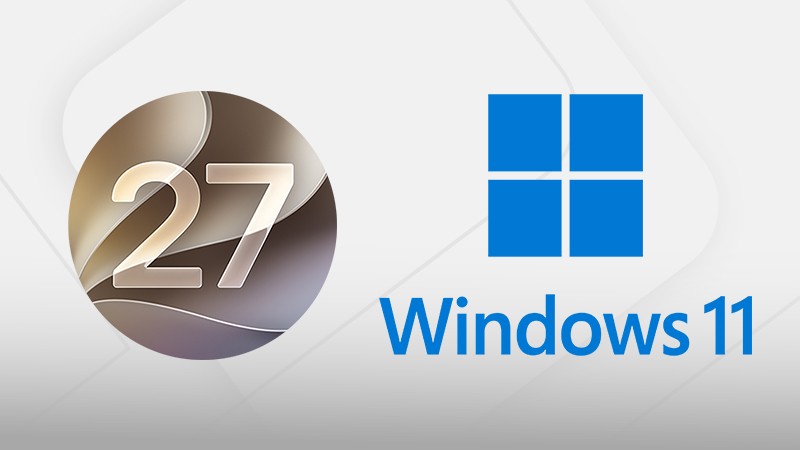
Virtual TimeClock 26 is the latest release of our employee time clock software. It is available in native editions for both Mac and Windows computers. Before you upgrade, here are the systems it runs on.
Windows
Virtual TimeClock 26 runs on Windows 10 and 11. The Network edition also supports Windows Server 2016 through Windows Server 2025.
Mac
Virtual TimeClock 26 runs on macOS 11 Big Sur through macOS 27 Golden Gate. We have tested against the macOS 27.0.1 release. It is also fully compatible with macOS 26 Tahoe, and the program now uses Apple's Liquid Glass controls on Tahoe so it looks at home on current Macs.
Using an older Mac?
Virtual TimeClock 26 needs macOS 11 Big Sur or later. If your computer runs macOS 10.14 Mojave or 10.15 Catalina, you can keep using Virtual TimeClock 25, which supports Mojave. You can upgrade to version 26 when you replace or update the computer. You can review the System Requirements for all versions of Virtual TimeClock here.
Upgrading Virtual TimeClock
If you are enrolled in Premier Support, you can upgrade to the newest Virtual TimeClock release for free. Standard Support customers with a currently supported license can purchase a discounted upgrade. Licenses that have reached End-Of-Support can be upgraded by purchasing a new license. Request an upgrade quote for your license.
Questions about your computer and Virtual TimeClock 26?
Reach out to us. Our California-based support team is glad to assist with all your time clock questions and needs.
Learn more
Check out Virtual TimeClock or download a no obligation free trial to try out Virtual TimeClock 26 for yourself.