Employee Time Clock Software for Small Business: What to Look for Before You Buy
Most small businesses don’t start by shopping for “employee time clock software.” They start with a problem: payroll is taking too long, timecards don’t match reality, or tracking employee hours has become inconsistent.
At that point, a lot of different solutions show up, cloud apps, scheduling platforms, payroll tools, and hardware clocks, all claiming to solve the same issue.
But not all employee time clock software is built the same.
What actually matters in employee time clock software
When evaluating a time clock system, most small businesses benefit from focusing on a few core questions:
- Is employee clock in / clock out simple for staff?
If it slows employees down, it won’t get used consistently. - Does it reduce payroll work or add to it?
Good systems create clean, usable time data. Poor ones create cleanup work. - How predictable is the cost over time?
Many employee time tracking software platforms use per-user monthly pricing that grows as your team grows. - Does it fit your environment?
Medical offices, dental practices, hotels, and schools often have very different needs than remote-first companies. - How much ongoing management is required?
Some systems are “set and manage.” Others require constant configuration and adapting.
The three common types of time tracking systems
Most employee time tracking software falls into three categories:
- Cloud subscription platforms
These include many popular tools that run entirely online. They often include scheduling, mobile apps, and payroll integrations.They are flexible, but typically involve ongoing monthly costs and increasing complexity as features expand.
- Hardware time clocks
Physical devices used for punching in and out.They are simple at the surface level but can be limited in reporting, flexibility, and remote administration.
- Desktop-based employee time tracking software
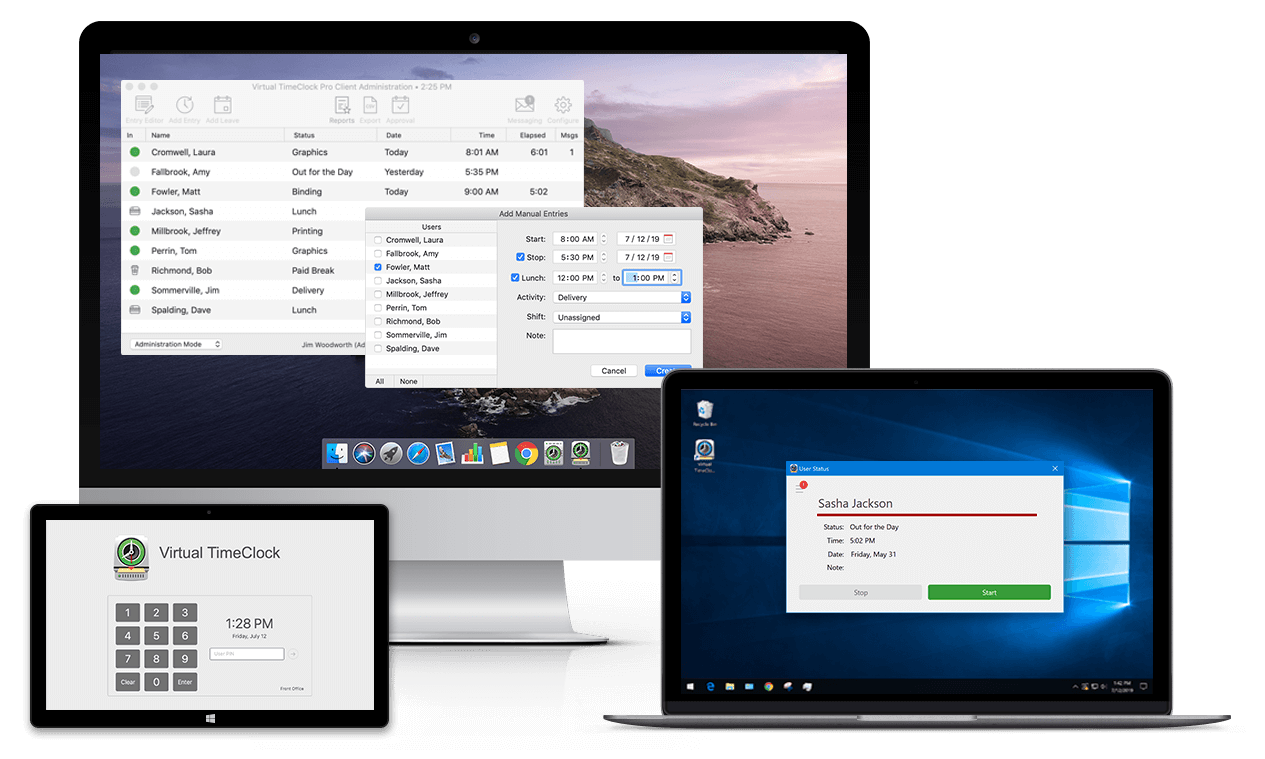
Installed on a local Mac or Windows system, this approach keeps time tracking simple, controlled, and predictable.Virtual TimeClock is an example of this model, focused specifically on employee clock in / clock out tracking without the complexity of full workforce management.
Businesses looking for a more focused approach often prefer desktop employee time tracking software because it keeps administration straightforward and costs predictable over time.
What small businesses usually end up needing
Across industries like healthcare, veterinary clinics, hospitality, and professional services, most businesses don’t need a full workforce platform.
They are looking for:
-
- Accurate employee time tracking
- Simple clock in / clock out
- Reliable payroll reporting
- Minimal administrative overhead
- Predictable long-term cost
For many organizations, the goal is not adding more software layers, it’s finding a time clock system for small business that works consistently without requiring constant attention.
A simpler way to approach time tracking
For businesses that prefer a straightforward, local, and stable approach to employee time tracking, Virtual TimeClock's one-time purchase offers a different model than subscription-based systems.
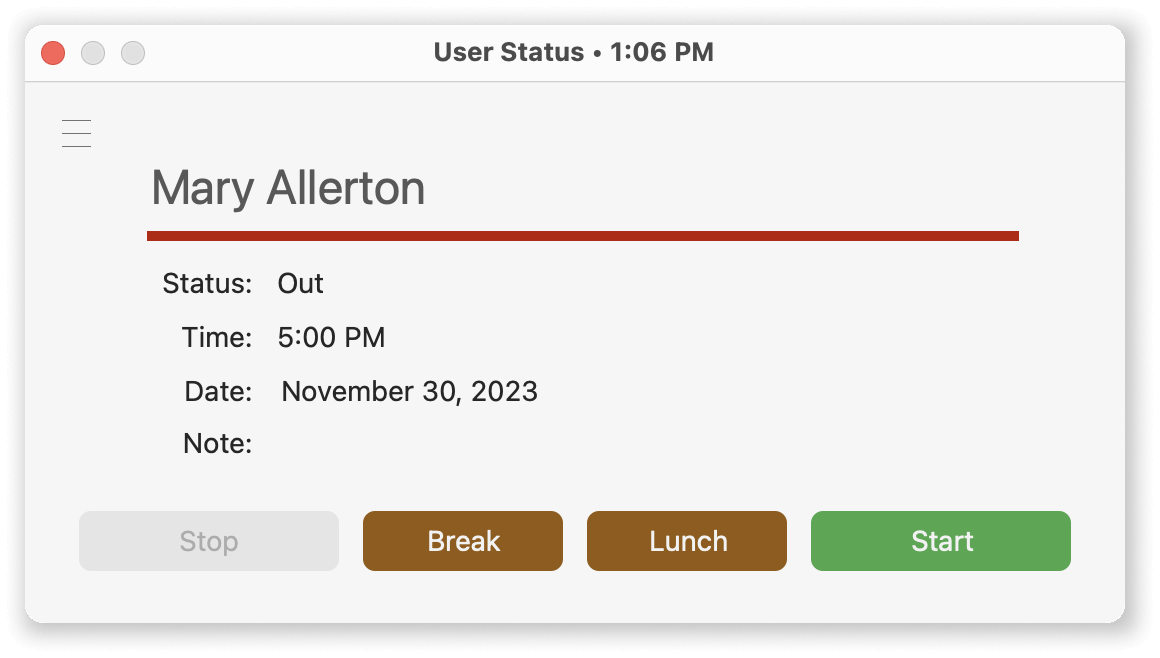
Check out Virtual TimeClock with a short time clock software overview video. You'll discover an easy-to-use application with powerful features that save time and increase payroll accuracy. We have 3 editions with a time clock solution for businesses of every size.
Final thought
The best employee time clock software usually isn’t the one with the most features, it’s the one that fits naturally into how your business already operates.
For many small businesses, simplicity, reliability, and predictable cost matter far more than complexity.